
Does Aqara Work with Apple Home? 2026 Guide
A practical guide to Aqara with Apple Home through HomeKit and Matter, including Home Key, UWB, Thread, hubs and system-planning considerations.
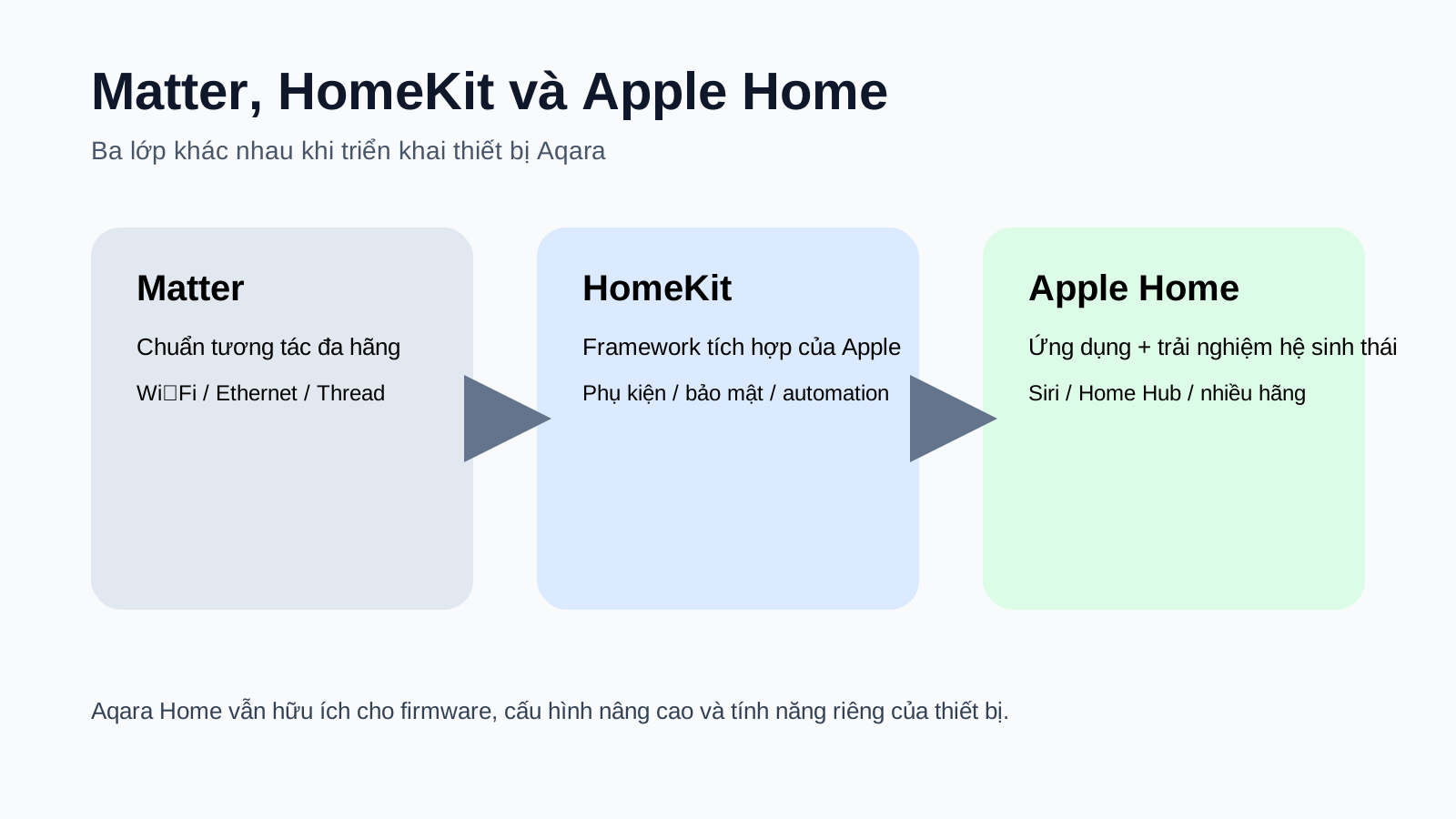
Yes. According to the Aqara Apple Home page referenced in the source article, the Aqara ecosystem includes more than 340 products across 15 categories that are compatible with Apple Home. This should not be interpreted as every Aqara product using the same connection method or exposing the same capabilities in the Home app. Project design still requires the exact model, protocol, hub and Apple feature requirements to be checked.
How can Aqara connect to Apple Home?
- HomeKit: compatible Aqara devices or hubs can be added to Apple Home within the capabilities documented for each model.
- Matter: Matter devices can be commissioned into Apple Home; Matter over Thread requires suitable Thread infrastructure.
- Aqara Zigbee through a hub: supported Zigbee devices can be bridged to Apple Home by a compatible Aqara Hub.
- Wi-Fi: selected cameras and other compatible devices use Wi-Fi, while Apple capabilities still need to be checked per model.

HomeKit, Matter and Thread are not the same thing
HomeKit is Apple's smart-home accessory framework/ecosystem, Matter is a multi-vendor interoperability standard, and Thread is a low-power IPv6 mesh network used by many Matter devices. An Aqara project can contain HomeKit accessories, Matter-over-Thread devices, Matter-over-Wi-Fi devices and Zigbee devices bridged through a hub at the same time.
Notable Aqara + Apple Home capabilities in 2026
The source article records Aqara's Apple Home page highlighting advanced functions including UWB hands-free unlocking on Smart Lock U400, Home Key on compatible locks, HomeKit Secure Video on supported cameras/doorbells, Adaptive Lighting on selected lights and Adaptive Temperature with Thermostat Hub W200. These are model-specific capabilities rather than features of every Aqara product.
Home Key and UWB should be distinguished
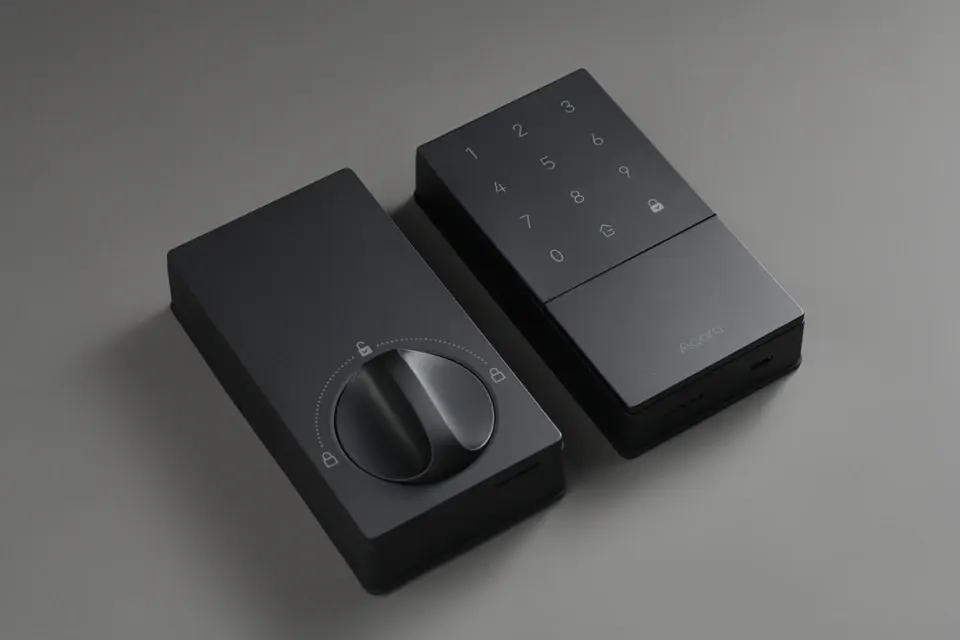
Home Key stores a digital key in Apple Wallet and uses a compatible iPhone or Apple Watch for unlocking. UWB hands-free unlocking is a different experience: Smart Lock U400 can identify an authorized compatible device approaching the door when the required Apple devices and infrastructure are present. A lock with Home Key therefore does not automatically support UWB approach unlocking.
Aqara cameras: check HomeKit Secure Video and Matter Camera separately
The source article records Aqara listing Camera Hub G350, Doorbell Camera G400 (Wired), Doorbell Camera Hub G410 and other models among cameras/doorbells supporting HomeKit Secure Video. HKSV, Matter Camera, AI, PTZ, resolution, NAS/microSD and 24/7 recording are separate capabilities, so functions available in Aqara Home should not automatically be assumed to appear in Apple Home.
Matter on iPhone in 2026: some cases do not require a Home Hub for basic local setup/control
The source article records Apple allowing iPhones on iOS 18 or later to add and control Matter accessories in the Home app without requiring a Home Hub in some cases. It also records Thread-capable iPhones such as iPhone 15 Pro/15 Pro Max and later compatible models being able to pair/manage Thread accessories locally when manufacturer firmware supports it.
Matter Controller and Thread Border Router are different roles
A Matter Controller commissions and manages Matter devices in an ecosystem, while a Thread Border Router connects the Thread mesh to the home's IP network. A compatible Apple TV or HomePod can combine multiple roles, but the architectural functions remain distinct. For U400, the source article references Thread-capable Apple Home Hubs such as suitable Apple TV 4K models, HomePod 2nd generation and HomePod mini, subject to current model/software requirements.
How should Aqara Home and Apple Home be used together?
Aqara Home should be retained for firmware, commissioning and advanced Aqara-specific settings. Apple Home is useful as the shared household interface for Siri, automations and multi-brand devices. During handover, define which automations run in Aqara and which run in Apple so both platforms do not control the same load with conflicting logic.
| Aqara firmware and deeper settings | Aqara Home |
|---|---|
| Shared multi-brand control | Apple Home / Matter depending on device |
| Siri and Apple automations | Apple Home |
| Home Key | Apple Home + exact compatible lock model |
| UWB approach unlocking | Smart Lock U400 + compatible Apple device/infrastructure |
| HomeKit Secure Video | Apple Home + supported camera/doorbell |
| AI, PTZ, NAS/microSD and advanced camera functions | Check Aqara Home and Apple capability separately |
Checklist for Aqara + Apple Home projects in Da Nang
- Finalize the exact model/SKU before quoting.
- Identify which devices are HomeKit, Matter over Thread, Matter over Wi-Fi or Zigbee through a hub.
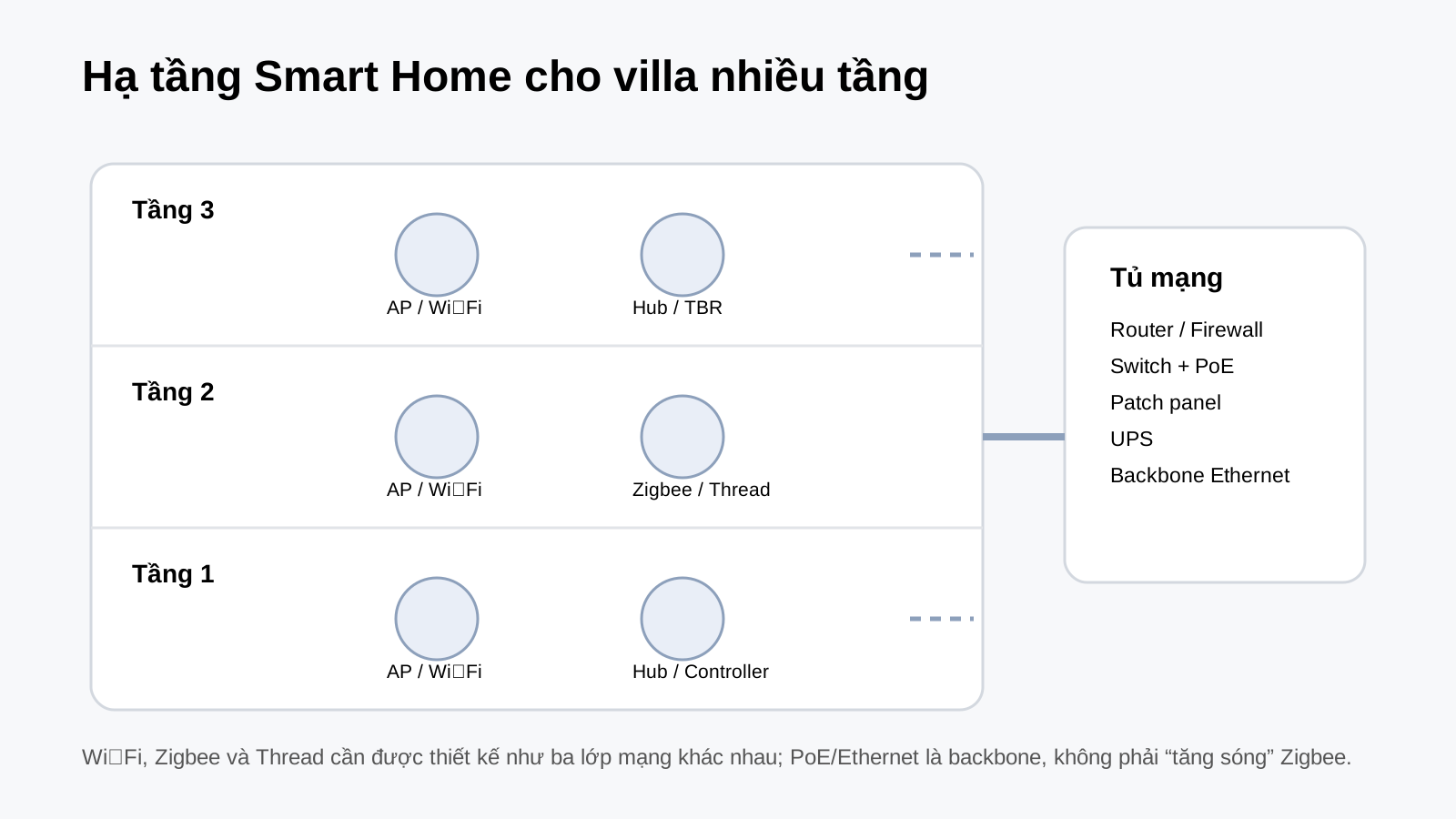
- Plan Wi-Fi/LAN, Zigbee and Thread according to the floor plan and number of floors.
- Define the Home Hub, Matter Controller and Thread Border Router required by the actual devices.
- For smart locks, survey mortise, door thickness, backset, opening direction and backup access.
- For cameras, decide HKSV, Aqara Home, NAS/microSD and continuous-recording requirements before installation.
- Avoid duplicate or conflicting automation logic between Aqara Home and Apple Home.
- Test member permissions, remote control, scenes and Internet-outage behavior before handover.
Verification sources recorded in the Vietnamese article
Frequently asked questions
Can every Aqara device be added to Apple Home?
No. Aqara has a broad Apple Home portfolio, but compatibility depends on the model, protocol, hub and specific capability.
Is Home Key the same as UWB hands-free unlocking?
No. Home Key is a digital key stored in Apple Wallet, while UWB hands-free unlocking is approach-based unlocking on supported devices such as U400.
Can iPhone add Matter without a Home Hub?
The source article records this being possible in some cases on iOS 18 or later. For Thread, automation, notifications and remote access, suitable Home Hub/Thread Border Router infrastructure should still be designed according to Apple's requirements.
Should Aqara Home still be kept when Apple Home is used?
Yes. Aqara Home is commonly needed for firmware and deeper Aqara settings, while Apple Home can serve as the shared interface for Siri and Apple automations.
See Apple Home, Matter & Thread and Aqara Products.
Practical Application with Aqara in Da Nang
Use this topic as part of a wider system design: verify the exact Aqara device, hub, network and target ecosystem before installation.
Explore More of the Aqara Ecosystem
Explore the core pages to understand how devices, protocols and ecosystems fit together in a complete smart-home system.
Related Articles
Apple Home & Matter
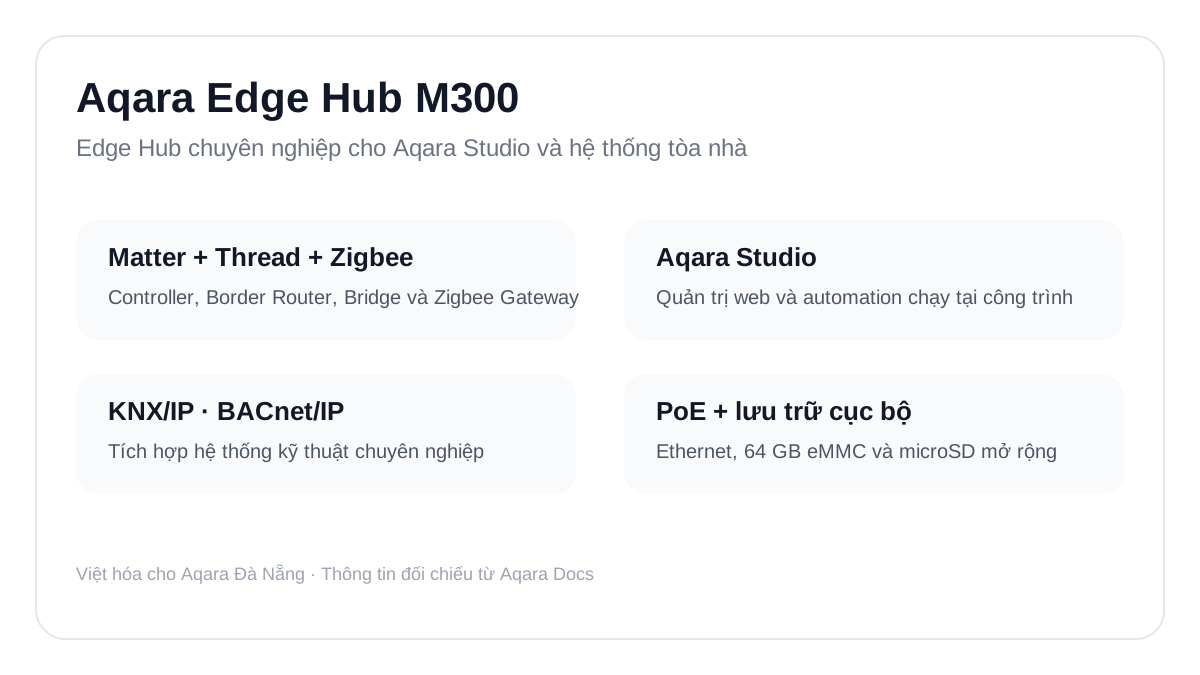
Aqara Edge Hub M300: Aqara Studio, PoE, Matter and Thread at IFA 2026

Apple Home & Matter
Matter 1.5 Adds Camera Support: What Changes for Smart Homes?

Aqara News
Aqara Smart Lock U400: UWB, Home Key, Matter over Thread and Compatibility Notes
Consulting & Solutions
Network Infrastructure Design for an Aqara Smart Villa in Da Nang
Aqara Smart Home Consultation
Need help choosing devices or planning a smart-home solution for your project? Contact Aqara Da Nang for project-specific guidance.
Request Consultation