
Network Infrastructure Design for an Aqara Smart Villa in Da Nang
Planning network cabinets, Ethernet, PoE, Wi-Fi, Aqara hubs, Zigbee and Thread for a multi-storey villa that needs reliable operation and maintainability.
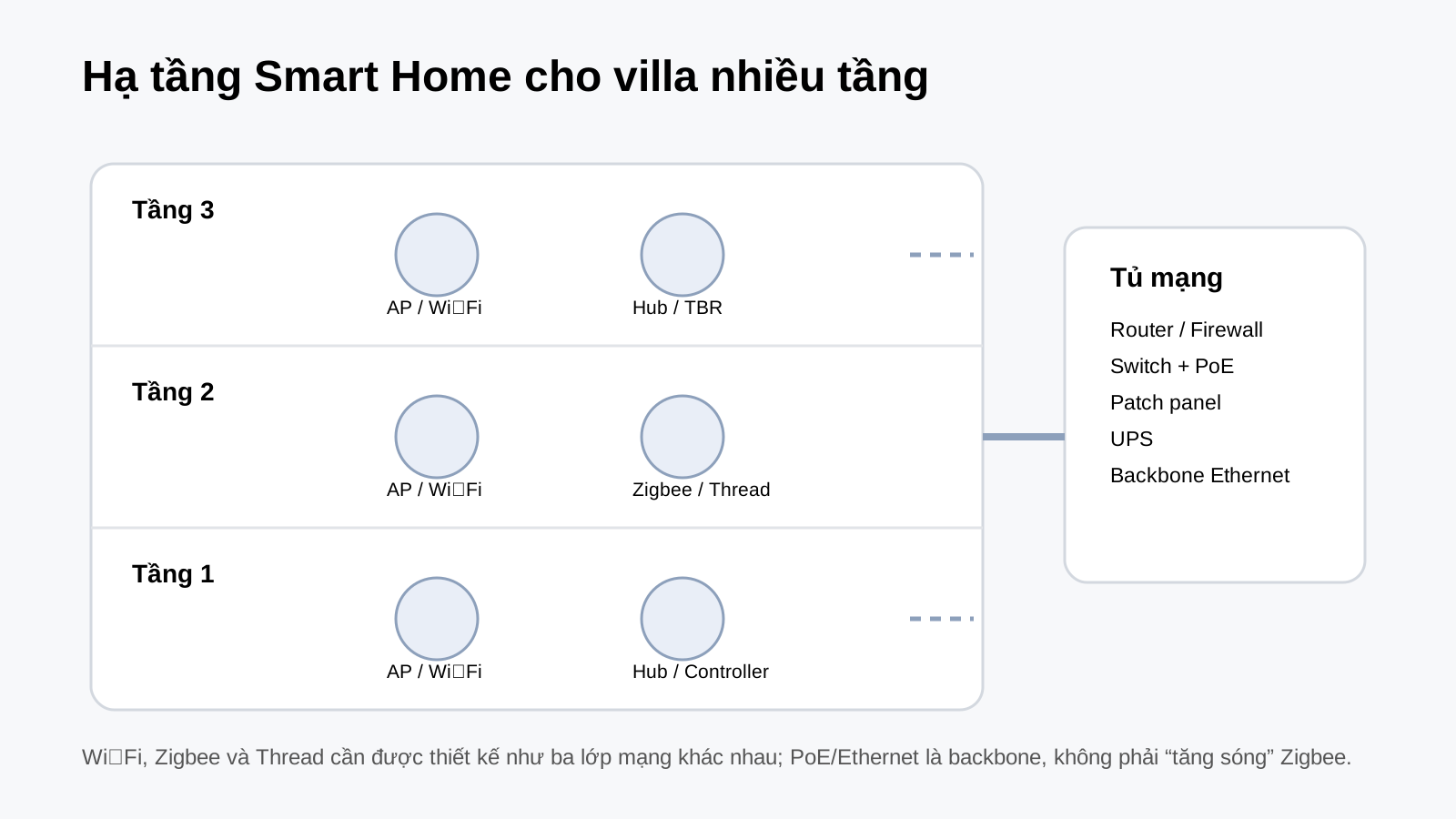
For a multi-storey villa, network infrastructure should be treated as part of the MEP/ELV design rather than an afterthought after interior completion. An Aqara Smart Home project should plan Ethernet, Wi-Fi, Zigbee, Thread, backup power and hub/controller positions together.


1. Finalize the network cabinet and Ethernet backbone first
The network cabinet should have enough room for the router/firewall, switches, patch panels, UPS and control equipment. Ethernet should be routed to access points, cameras, hubs/controllers and important reserve points. If PoE is used, calculate both per-port power and the total PoE budget.
2. Design Wi-Fi around the floor plan and materials
There is no fixed formula of exactly one access point per floor. AP count depends on area, concrete, glass, furniture, user density and roaming requirements. Where construction allows it, Ethernet backhaul for fixed access points remains easier to control.
3. Strong Wi-Fi does not mean strong Zigbee or Thread
Wi-Fi, Zigbee and Thread are separate networks. A phone showing strong Wi-Fi in a bedroom does not prove that a Zigbee sensor or Matter-over-Thread device in the same location has a reliable path.
4. Divide hubs by coverage, not by a rigid floor count
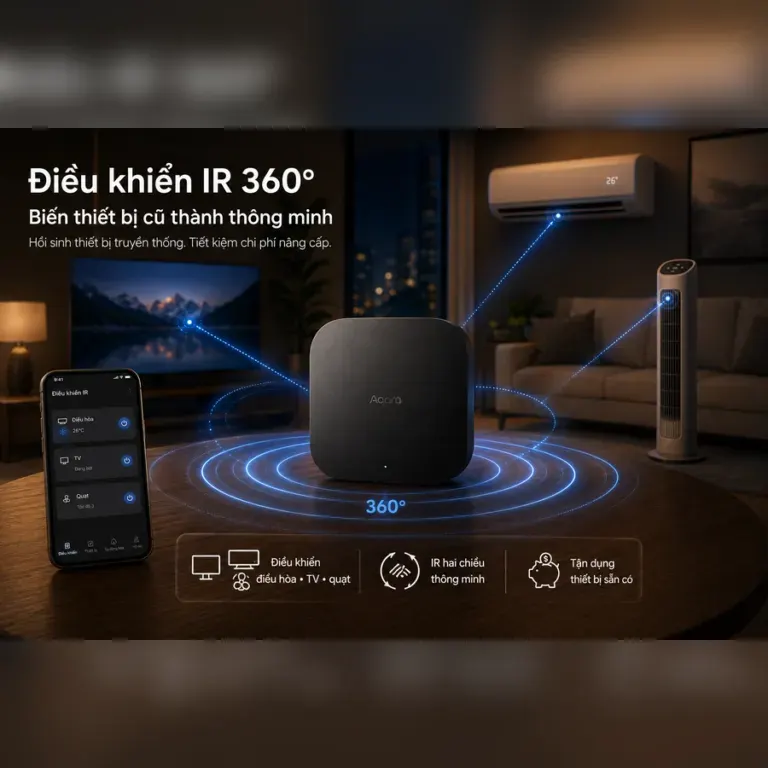
Group devices based on radio coverage, density, obstacles and maintenance requirements. Areas separated by thick concrete slabs, gardens or detached blocks can require their own technical zones.
5. Identify Matter Controller and Thread Border Router roles separately
If the villa uses Matter over Thread, document which device acts as the Thread Border Router, which acts as the Matter Controller and which hub bridges Zigbee. A single hardware device can combine roles, but the operations documentation should still state each role explicitly.
Villa infrastructure acceptance checklist
- Test every Ethernet run and label both ends.
- Test Wi-Fi roaming across floor transitions.
- Check weak Zigbee/Thread zones after the interior is completed.
- Confirm the total PoE budget with all cameras/APs/hubs operating.
- Record the location and role of every hub, controller and Border Router.
- Provide UPS backup for the network cabinet and critical control equipment.
Does a three-storey villa automatically need three APs and three Aqara hubs?
No. There is no fixed count; the design should follow survey results, materials, device density and actual topology.
Does PoE make Zigbee coverage stronger?
No. PoE provides stable power and wired networking to a hub; Zigbee RF coverage still depends on radio conditions, placement and topology.
Practical Application with Aqara in Da Nang
Use this topic as part of a wider system design: verify the exact Aqara device, hub, network and target ecosystem before installation.
Explore More of the Aqara Ecosystem
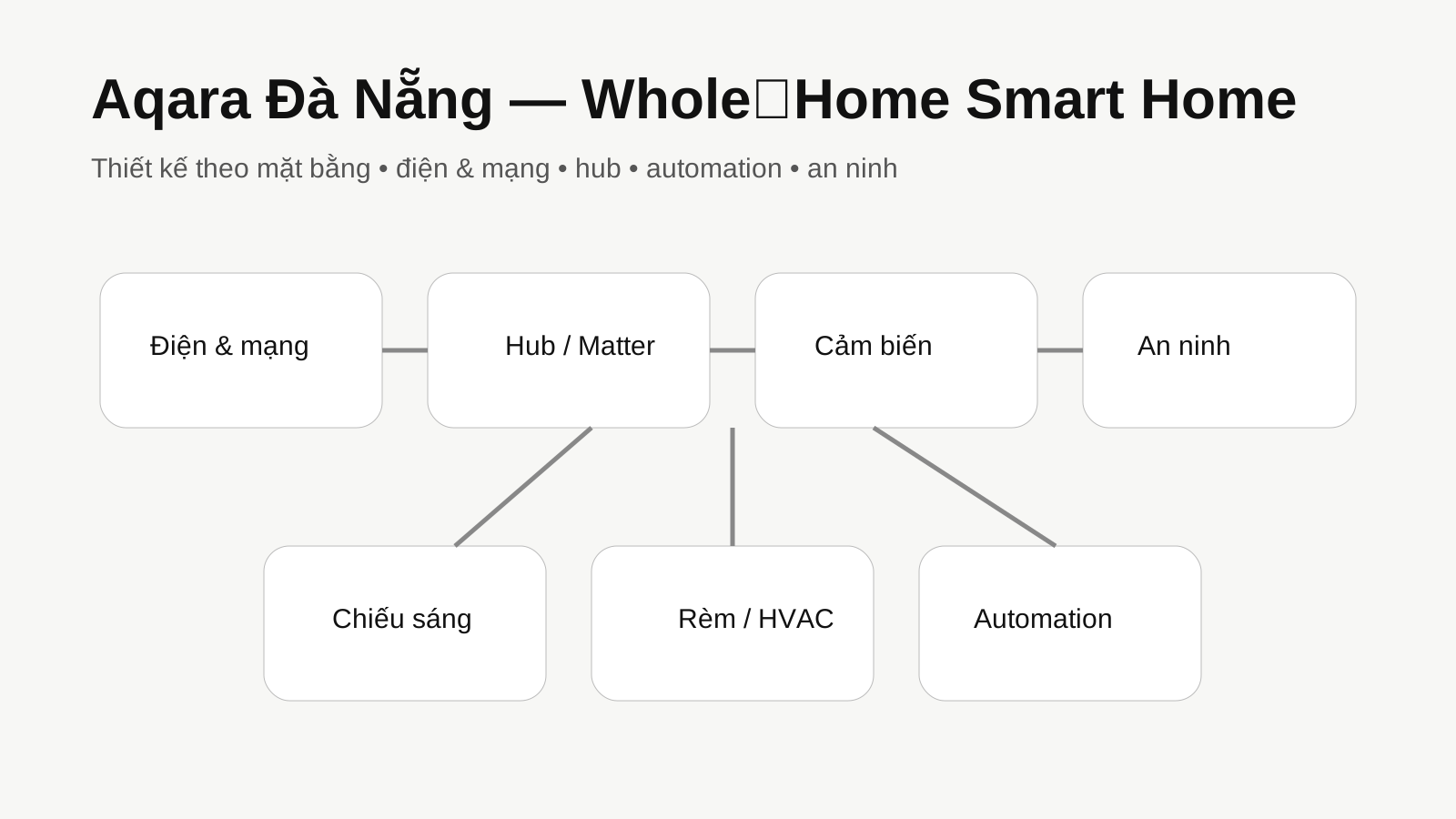
Explore the core pages to understand how devices, protocols and ecosystems fit together in a complete smart-home system.
Related Articles
Consulting & Solutions
Aqara Da Nang: Smart Home Solutions for Apartments, Townhouses and Villas

Consulting & Solutions
Aqara for Hotels and Resorts: Six System Layers to Plan First

Aqara Events
Aqara at Light + Building 2026: Studio, AX100M, GX400M and Professional Infrastructure

Aqara News
Aqara Smart Lock U400: UWB, Home Key, Matter over Thread and Compatibility Notes
Aqara Smart Home Consultation
Need help choosing devices or planning a smart-home solution for your project? Contact Aqara Da Nang for project-specific guidance.
Request Consultation