
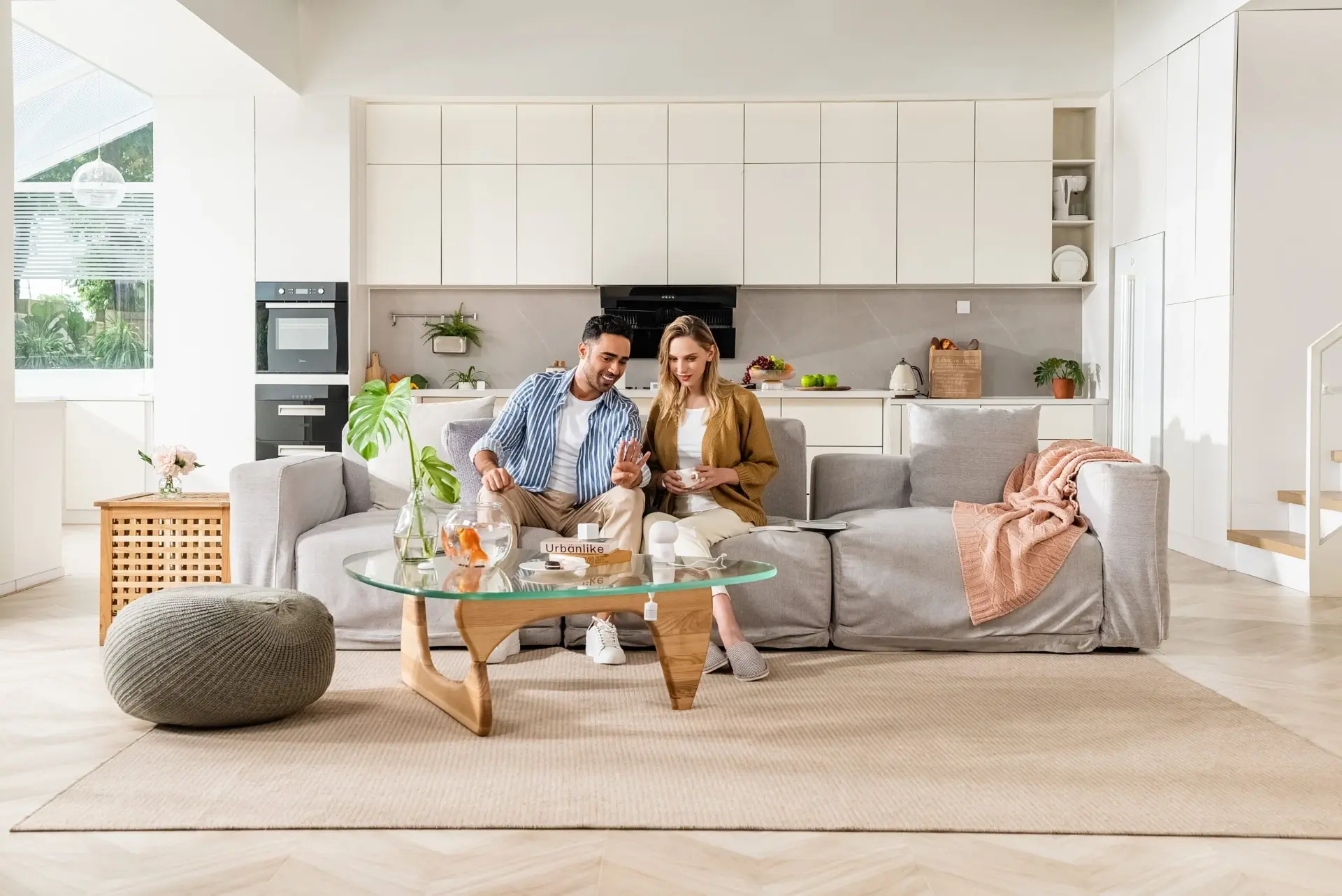
Aqara & Apple Home for Smart Homes in Da Nang

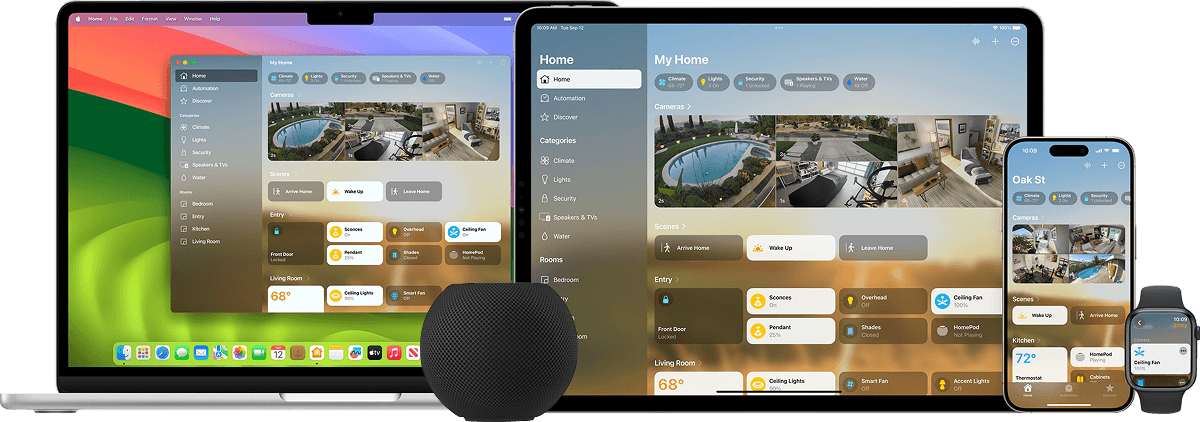
Many Aqara devices can integrate with Apple Home through HomeKit or Matter, from sensors, switches and lighting to smart locks, cameras and hubs. Exact support should be verified by model and software version.
Combining compatible Aqara devices with Apple Home can make daily control more convenient and cohesive.
Control your home your way, with privacy and security in mind.
Unified Control
Manage compatible accessories directly in the Home app across iPhone, iPad, Mac and Apple Watch.

Siri Voice Control
Use Siri voice commands to control supported devices, scenes and room functions.

Wrist Gesture
Use supported Apple Watch gestures to trigger compatible smart-home controls.

Security & Privacy
Apple Home and compatible Aqara integrations are designed with secure communication and privacy controls.
*Apple, Apple Home, HomeKit and Siri are trademarks of Apple Inc., registered in the U.S. and other countries and regions.
Advanced Apple Home Features
Hands-Free Unlocking with UWB
Aqara Smart Lock U400 is announced by Aqara with hands-free unlocking using Ultra-Wideband (UWB) with compatible iPhone or Apple Watch devices. Actual availability depends on Apple devices, the Home Hub and the system configuration at the time of installation.
*UWB applies only to supported Apple devices and lock models explicitly supported; verify current Home Hub and Thread requirements before deployment.
**Supported device: Smart Lock U400
Adaptive Temperature
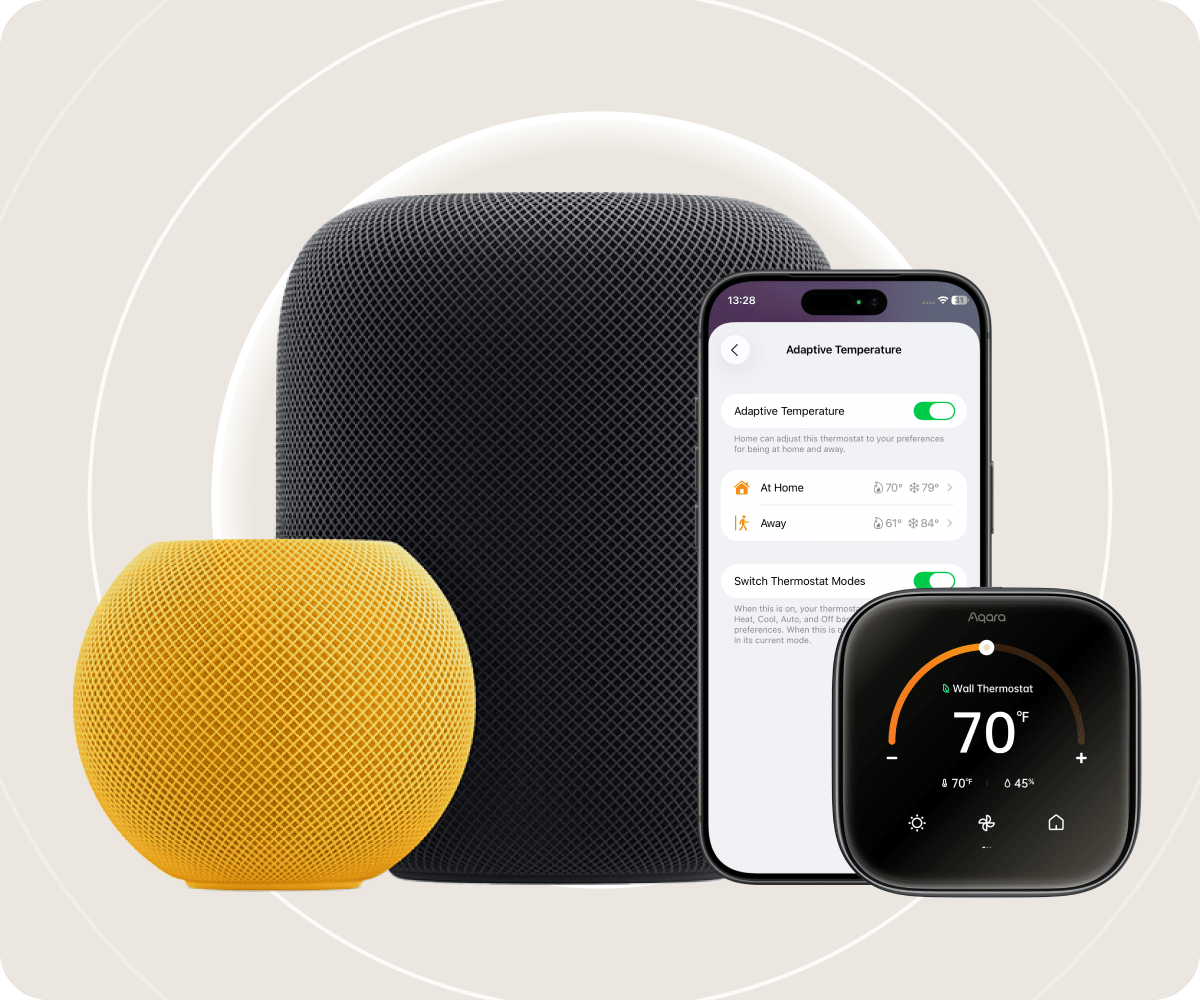
With Apple Home, Adaptive Temperature can use supported Apple devices to adjust compatible thermostats according to household states such as home, sleep and away modes. This can improve comfort while helping reduce unnecessary energy use when the home is unoccupied, without relying on complex manual schedules.
*Adaptive Temperature depends on the device, Home Hub and supported Apple Home software version. Verify current requirements before deployment.
**Supported device: Thermostat Hub W200
Home Key
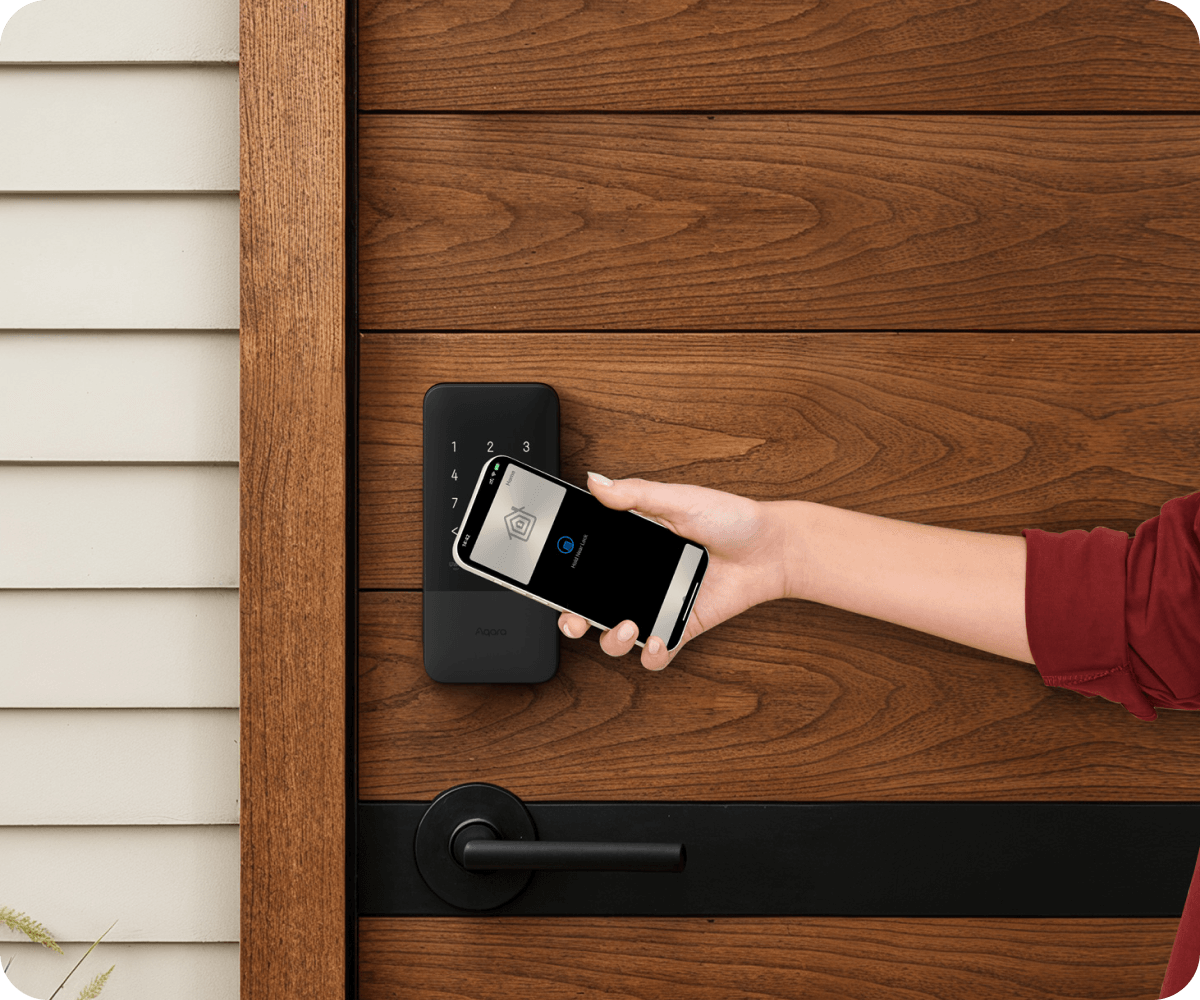
Use iPhone or Apple Watch to unlock compatible Aqara smart locks. With Home Key, the digital key is stored in Apple Wallet and uses Apple security features and encryption to protect access and privacy.
*Home Key is available only on lock models explicitly supported by Aqara and Apple.

HomeKit Secure Video
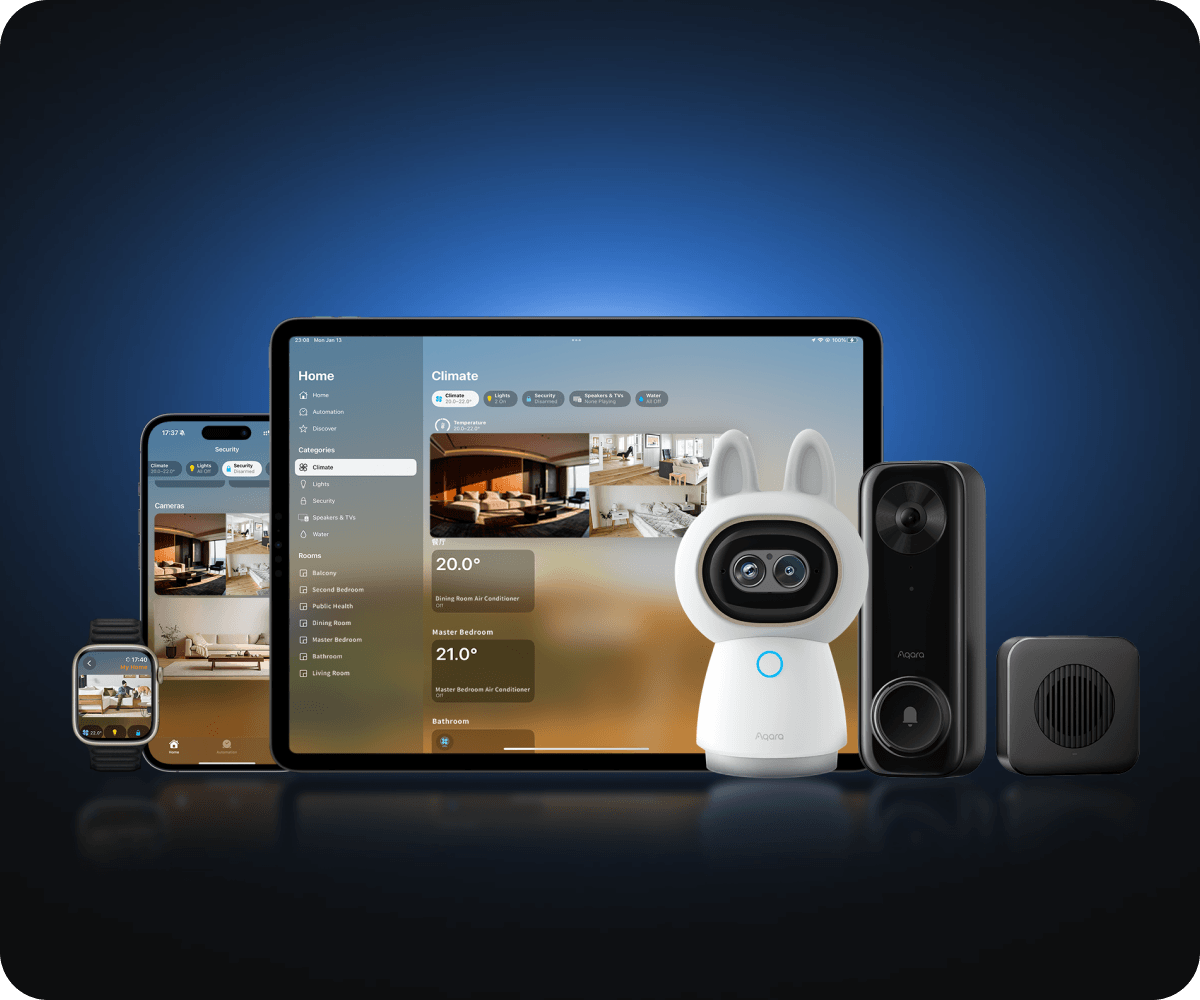
Selected Aqara cameras and doorbells are announced with HomeKit Secure Video support, enabling video viewing and management in Apple Home according to Apple requirements. Not every Aqara model supports HKSV.
*Verify the exact camera or doorbell model and current Apple Home requirements.
Adaptive Lighting
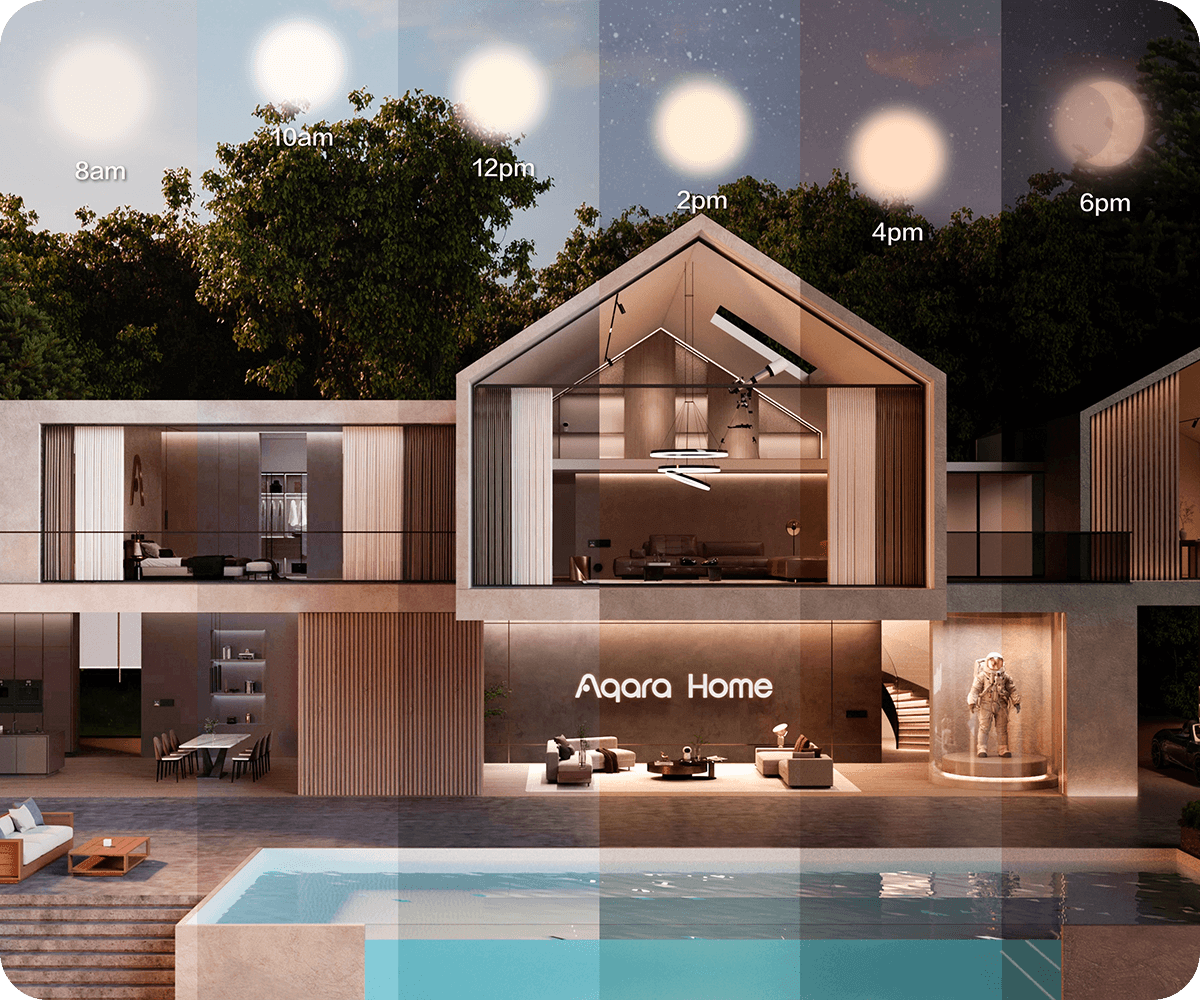
This feature allows compatible Aqara lights to automatically adjust color temperature throughout the day in line with natural lighting conditions and daily routines.
*Supported devices include LED Bulb T2, LED Strip T1 and Ceiling Light T1M and other compatible models.
How does Aqara work with Apple Home?
Aqara devices can appear in Apple Home through HomeKit or Matter depending on the product. Supported Zigbee devices can be bridged through a compatible Aqara Hub, while Matter-over-Thread devices require suitable Thread infrastructure.
Aqara Devices
Sensors, switches, locks, cameras, lighting and other Aqara devices may use Zigbee, Wi‑Fi or Thread depending on the model.
Aqara Hub / Matter
Compatible Aqara Hubs can expose supported Zigbee devices to Apple Home, while Matter devices can be commissioned through Matter when supported by the ecosystem.
Apple Home
Control supported devices through the Home app, Siri and Apple devices, with scenes, automations and remote access when the Home Hub is configured correctly.
Frequently Asked Questions about Aqara & Apple Home
Key points to understand before designing an Aqara system for iPhone, Apple Watch, HomePod or Apple TV users.
Can Aqara devices be used with Apple Home?+
Yes. Many Aqara devices support Apple Home through HomeKit or Matter. Exact compatibility depends on the model and hub.
Is an Aqara Hub always required?+
Not every device needs an Aqara Hub. Aqara Zigbee devices typically need a compatible hub, while some Matter or Wi-Fi devices connect differently.
Is an Aqara Hub the same as an Apple Home Hub?+
No. Aqara Hubs connect and manage Aqara devices, while an Apple Home Hub such as a compatible HomePod or Apple TV supports Apple Home automation and remote access.
How are HomeKit and Matter different?+
HomeKit is Apple’s smart-home framework. Matter is a multi-ecosystem interoperability standard that can work with supported platforms including Apple Home.
Can Siri control Aqara devices?+
Yes. Once a compatible Aqara device is correctly added to Apple Home, Siri can control the functions exposed to Apple Home.
What is Home Key used for?+
Apple Home Key lets you use iPhone or Apple Watch with compatible smart locks. Support depends on the lock model and system configuration.
Do Aqara cameras support HomeKit Secure Video?+
Selected Aqara cameras and doorbells support HomeKit Secure Video. Verify the exact model and current Apple service and system requirements.
What happens if the Internet connection is lost?+
Some local controls and automations can continue when devices, hubs and the LAN remain available. Remote access and cloud services require Internet connectivity.
Apple Home Consultation & Integration in Da Nang
Aqara Da Nang can plan the system architecture around your Apple devices, select suitable Aqara hubs and Matter/Thread infrastructure, configure Apple Home and test automations before handover.
- ✓ Review the property and existing Apple ecosystem
- ✓ Design the Aqara + Apple Home system
- ✓ Select appropriate Aqara Hub, Matter and Thread infrastructure
- ✓ Configure HomePod / Apple TV when a Home Hub is required
- ✓ Configure scenes, automations, Home Key and compatible cameras
- ✓ Test, hand over and provide user guidance