
Apartment
Hyatt Regency Danang Resort — Smart HVAC Based on Real Room Temperature
A retrofit-oriented smart-home project for a 120 m² apartment, focused on zone-based HVAC control, lighting, Apple Home integration and minimal construction intervention.

Project Overview
- Location
- Hyatt Regency Danang Resort & Spa, Da Nang
- Area
- 120 m²
- Scale
- 4 rooms
- Devices
- Approximately 50 devices
- Completed
- 2025
- Budget
- Approximately 80 million VND
Devices Referenced in This Project
These links are shown only when the exact device model appears in the underlying verified project record.
Context & Requirements
Project overview
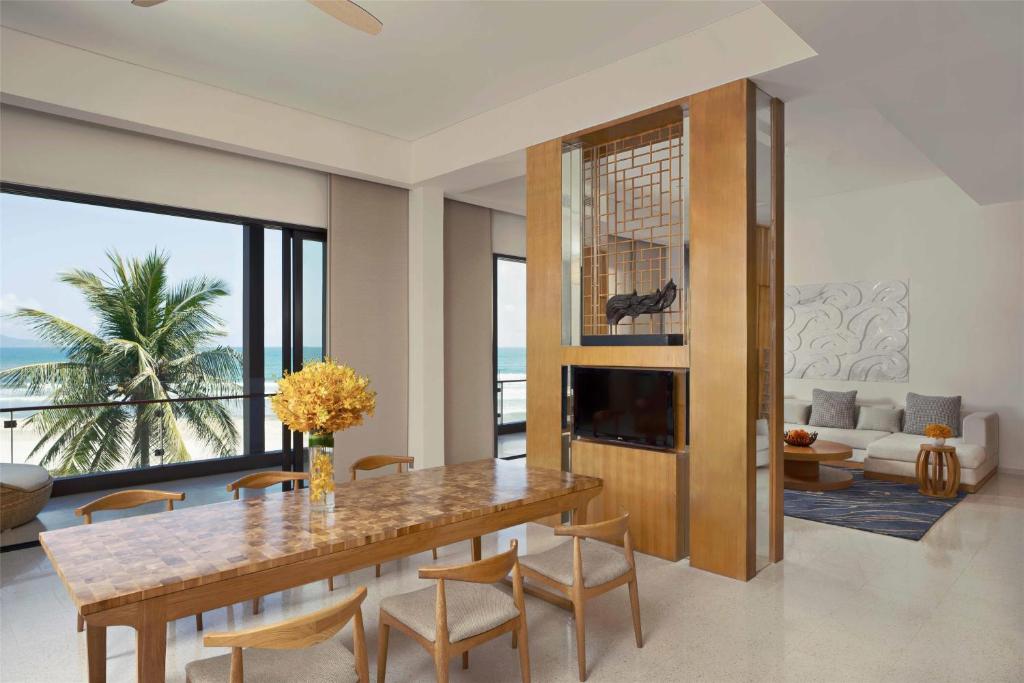
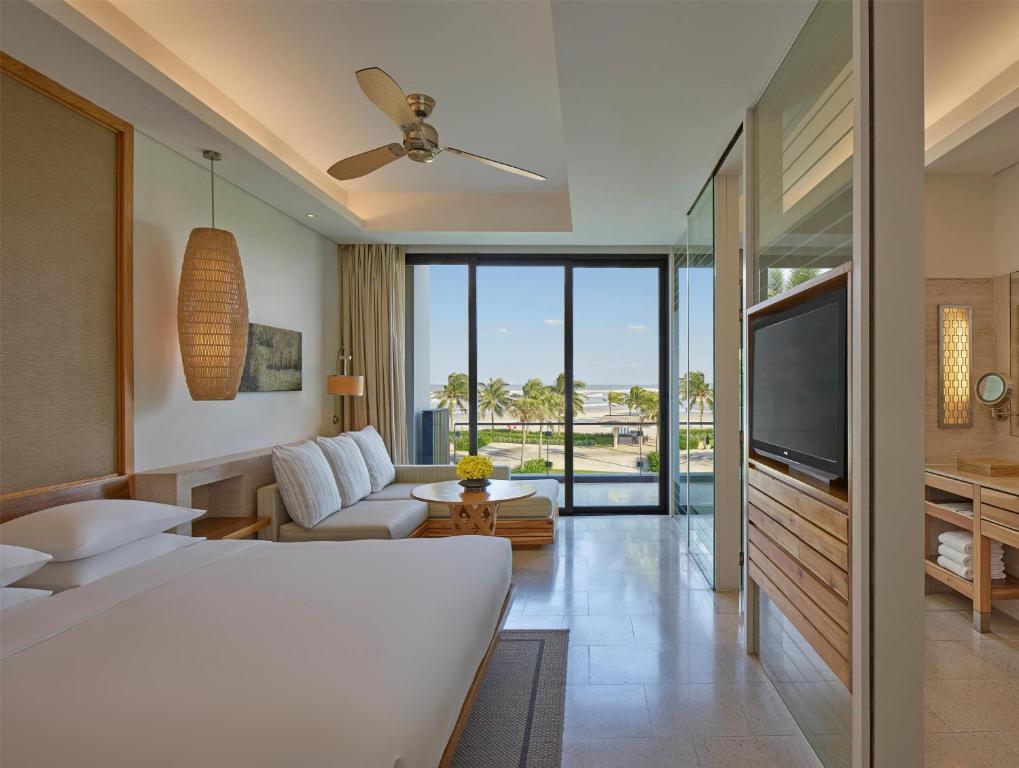
The owner uses a premium apartment at Hyatt Regency Danang Resort for both living and work. The existing air-conditioning system already had temperature sensing and automatic adjustment, but a practical comfort problem remained: at the positions where the owner regularly worked, rested or slept, the space could feel significantly colder than the temperature seen by the central HVAC control.
The reason was that the HVAC temperature measurement point was located away from the occupied zone while airflow distribution caused some positions to receive more cold air. Instead of opening finished ceilings, moving ductwork or rewiring the apartment, Aqara Da Nang added a Smart Home layer that moved temperature measurement closer to the user and used that data in HVAC automation.


Project Challenges
1. The challenge: the HVAC has a sensor, but the user's actual position can still feel too cold
In a conventional HVAC system, the thermostat generally reacts to the temperature at its own sensor location. If that point is far from the desk, bed or main seating zone, the reading may not represent what the user actually experiences. When cold airflow is concentrated on one area, that area can already feel too cold while the central thermostat has not yet reached its control threshold.
The original sensor was located away from the main occupied zones.
Some positions in the living room, work area and bedroom received more cold airflow than other parts of the apartment.
The apartment was already completed, so the owner did not want major demolition, rewiring or disruptive interior work.
The owner also wanted quick control while working, favoring automation, gestures and Siri instead of repeatedly operating multiple apps.
Aqara Smart Home Solution
2. Core solution: W100 measures the occupied zone while W400 controls HVAC
2.1. Aqara Thermostat W400 – bringing HVAC into the Smart Home system
Aqara Thermostat W400 was installed at a compatible HVAC control point in the apartment. W400 has variants intended for compatible VRF/FCU systems, so an important technical step is to verify the communication method and wiring diagram of the existing controller before replacement or integration.
In this project, W400 is not treated as the only sensor that determines comfort. Its main role is to act as an HVAC control endpoint that can participate in scenes and automations, changing setpoint, mode or fan speed according to tested logic.

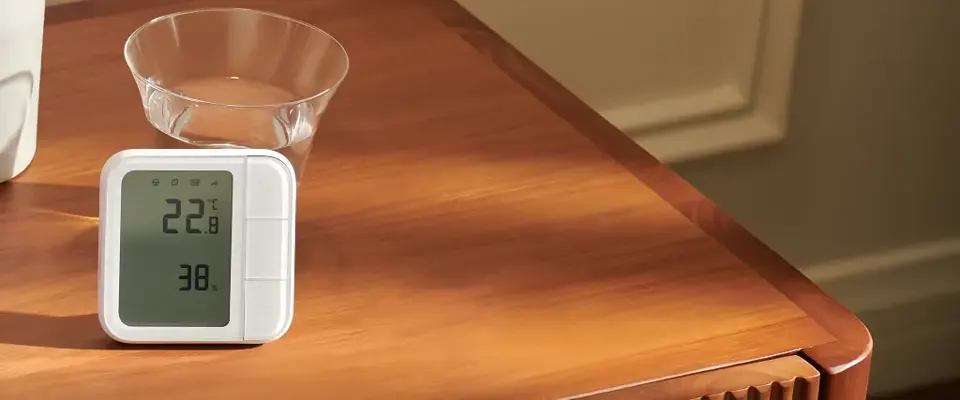
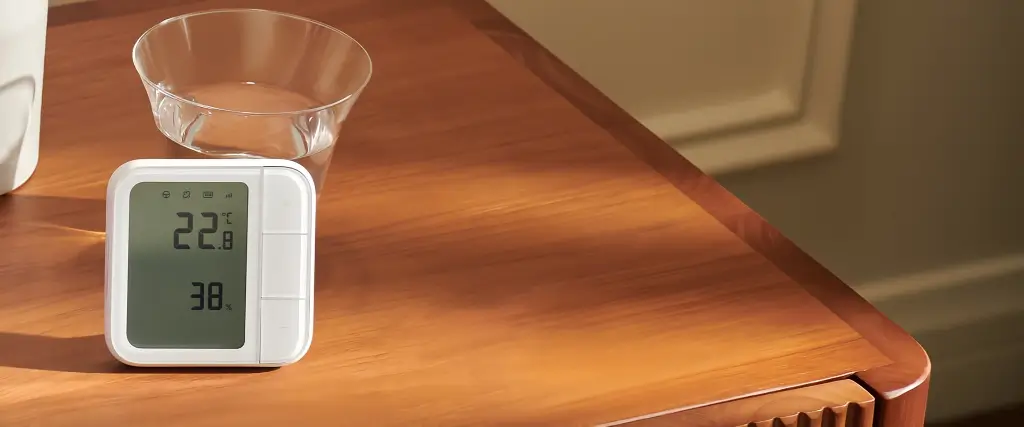
2.2. Aqara Climate Sensor W100 TH-S04D – moving temperature measurement closer to the user
W100 TH-S04D was placed in areas where the owner regularly sits. The device displays local temperature and humidity; according to the source project, Aqara specifications list Thread/Zigbee support and published accuracy of approximately ±0.2°C for temperature and ±2% RH for humidity.
The key value of W100 in this project is not simply adding another sensor. It provides temperature data from the actual occupied zone. Instead of relying only on the original thermostat position, automation can use readings near the desk, sofa or sleeping area when deciding whether HVAC should increase, reduce or change operating state.


2.3. Zone-based automation instead of one fixed threshold for the whole apartment
The living room, work area and bedroom are used at different times, so Aqara Da Nang configured logic by zone and time period. Appropriate delay/hysteresis is needed to avoid constantly changing setpoints when temperature fluctuates only slightly.
3. Additional comfort layers: Z1 Pro, T2 Pro, G350 and Apple Home
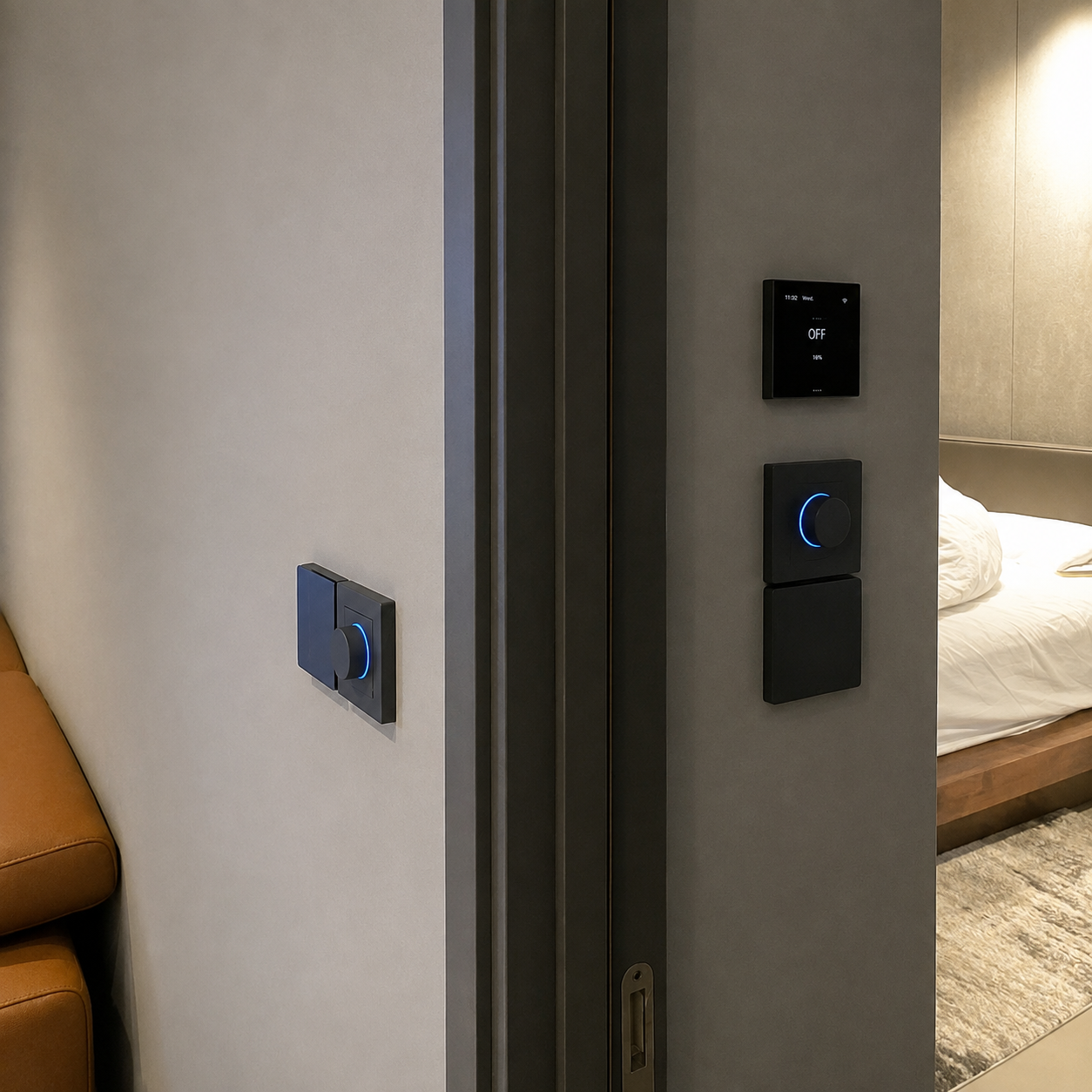
3.1. Aqara Z1 Pro – automation while retaining physical controls
Z1 Pro switches were placed where direct control is still important. This reflects a practical Smart Home principle: automation should reduce repetitive actions, but users should still have clear physical controls available at the point of use. When needed, a switch can control a device or trigger a configured scene.
3.2. Aqara T2 Pro – lighting by time and context
Aqara T2 Pro lighting groups were used to adjust brightness and color temperature by scene. Rather than making medical claims about circadian effects, the project applies a practical approach: brighter or more neutral light during work periods, and warmer, softer light in the evening or during relaxation. In compatible configurations, T2 Pro can participate in Apple Home Adaptive Lighting.
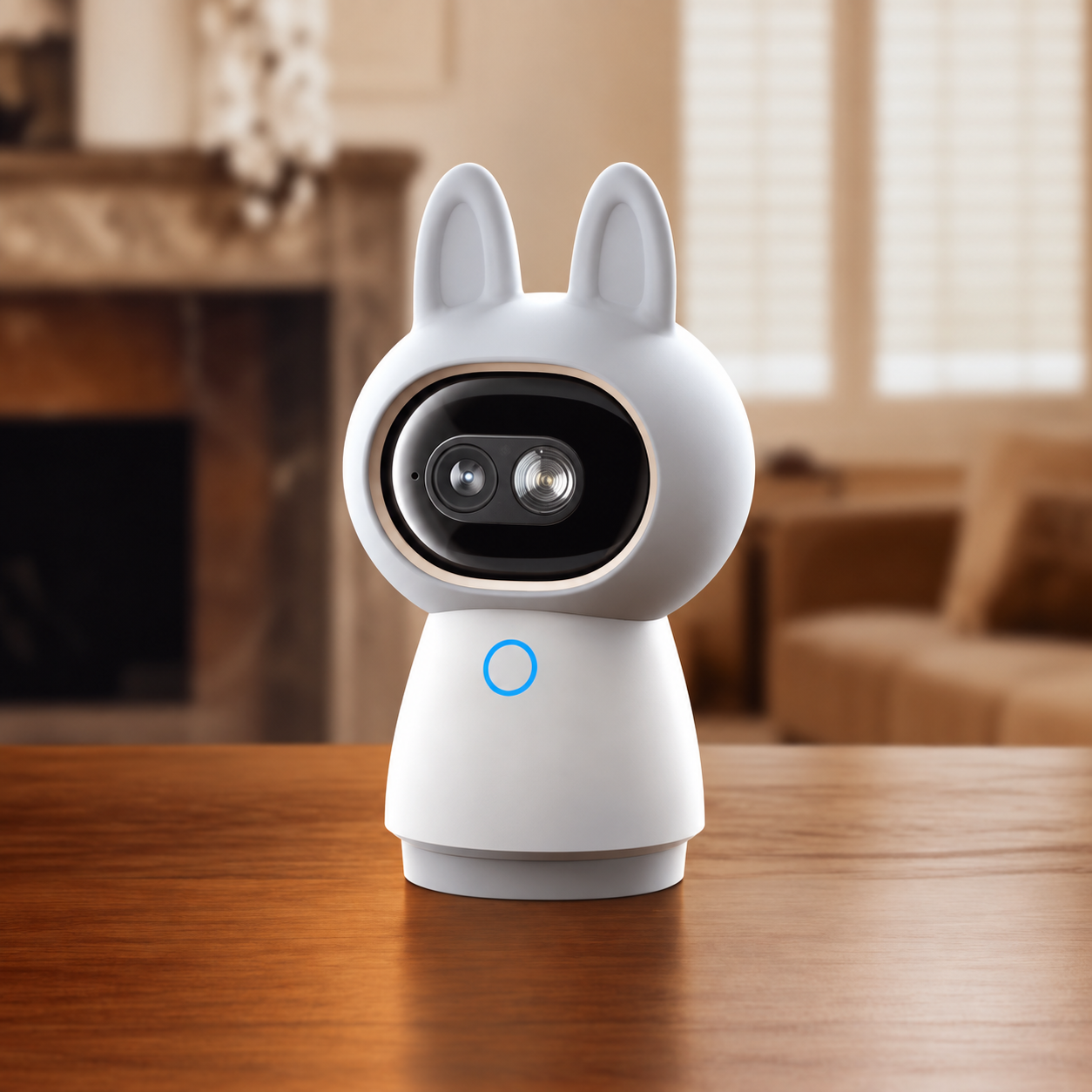
3.3. Camera Hub G350 – gestures as touch-free scene triggers
G350 supports local gesture recognition. Aqara Da Nang can use a supported gesture as a trigger for a predefined scene such as closing curtains, turning on work lighting or changing HVAC state. This is particularly useful when the owner is in a meeting or working and does not want to leave the desk to find a switch.
G350 recognizes the gesture as the trigger; the actions that follow are automations configured behind that trigger.

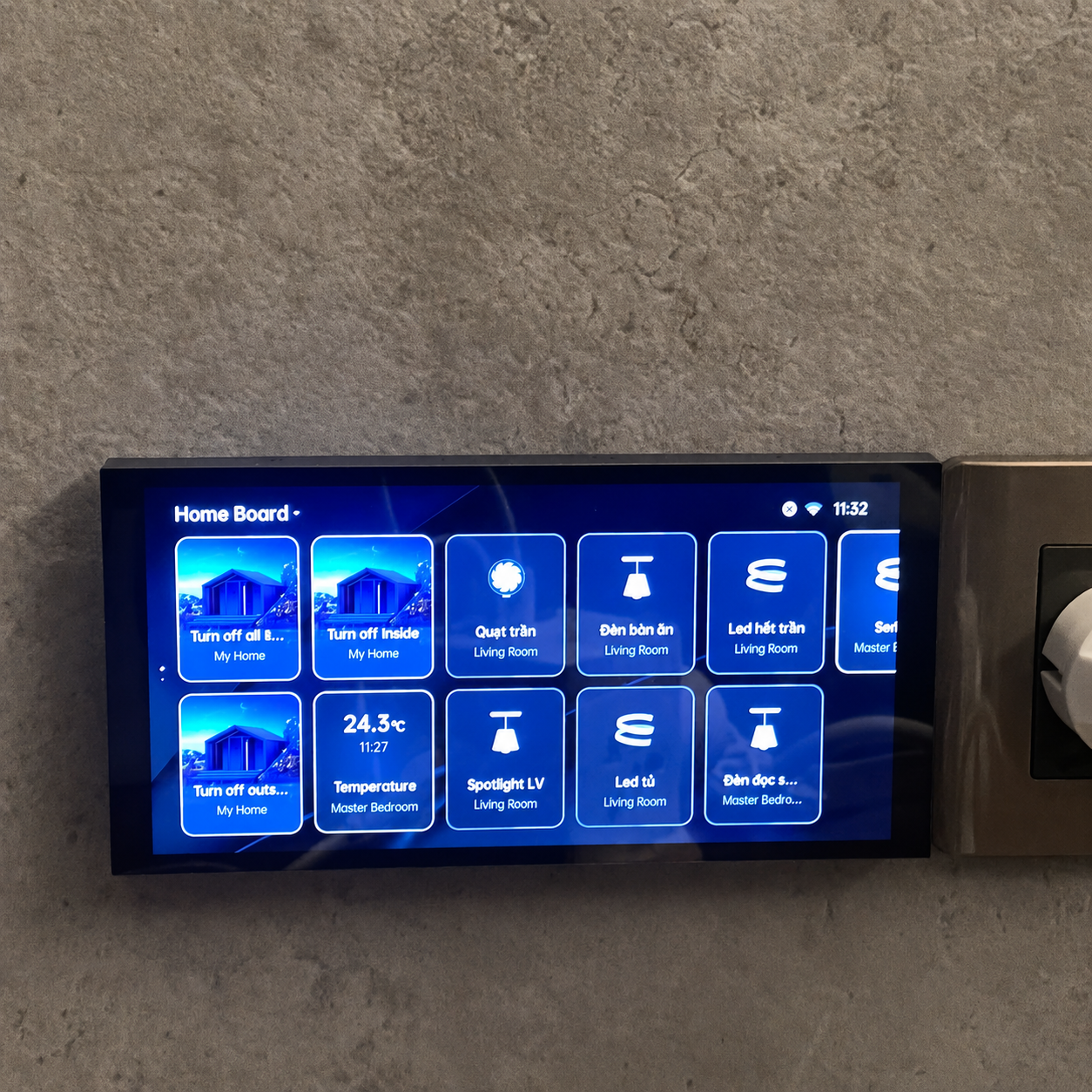
3.4. Apple Home and Siri – bringing scenes into a familiar interface
Compatible devices and scenes were synchronized with Apple Home according to the project configuration. The owner can call compatible scenes through Siri, which is useful while working or moving through the apartment. The features exposed in Apple Home depend on the device model, hub, firmware and Apple Home capabilities available at the time of use.

Automation
4. Representative automations in the apartment
When the W100 temperature in the work zone moves outside the preferred comfort band and the time/state conditions are appropriate, the system requests an HVAC adjustment through W400.
A Work scene can coordinate HVAC, lighting and curtains according to the owner's chosen settings.
A gesture recognized by G350 can trigger a scene that closes curtains, turns on work lighting or changes HVAC state.
An Evening scene reduces lighting intensity and moves suitable T2 Pro groups toward a warmer color temperature.
Compatible scenes are exposed to Apple Home for quick Siri access.
Results & Operational Value
Applying the same thinking to Smart Home projects in Da Nang
The Hyatt Regency case shows that a completed property can still be upgraded with Smart Home when the electrical system, HVAC, network and existing control points are surveyed carefully. For apartments, townhouses or villas in Da Nang, the design should start from the existing property rather than from a fixed device list.
See Aqara Products, Apple Home, Projects and Contact Aqara Da Nang.
5. Result: improving comfort without rebuilding the apartment
The solution gives the owner temperature data from the zones that are actually being used and brings those readings into HVAC-control logic. More importantly, the project was implemented as a retrofit, minimizing demolition and avoiding a complete electrical rewire or major changes to the completed interior.
After implementation, the owner considered the solution suitable in both experience and cost and planned another Smart Home project for a premium rental apartment. In that use case, Apple Home/Siri integration and understandable scenes are helpful because tenants do not need to learn a complex control system.
6. Project FAQ
Why can a seating position still feel too cold when the air conditioner is set to 24°C?
Because the thermostat reacts to the temperature at its own sensor location. If that sensor is far from the occupied zone or airflow is uneven, the temperature experienced by the user can differ significantly.
Is major demolition required to add zone-based temperature sensing?
In a suitable configuration, a wireless sensor such as W100 can add a measurement point near the occupied zone without rewiring the entire apartment. W400/HVAC compatibility still needs to be verified before deployment.
Does G350 directly close curtains and change HVAC with a gesture?
G350 recognizes a gesture as a trigger. Closing curtains, switching lighting or changing HVAC is handled by the automation configured behind that trigger.
Project Images
Explore Related Smart Home Solutions
Aqara Smart Home Consultation
Aqara Da Nang provides smart-home consultation, system design and installation based on the property layout, usage requirements, network infrastructure and project scope.
Request Consultation